Reporting a failed run
If a pipeline run fails or misbehaves, you can send it to the NanoPing team from the dashboard. The report includes the run's configuration, log and metrics, so we can see what happened. The node needs internet access to send it.
-
On the pipeline page, click Runs in the header.
-
Click the megaphone next to the run you want to report.

-
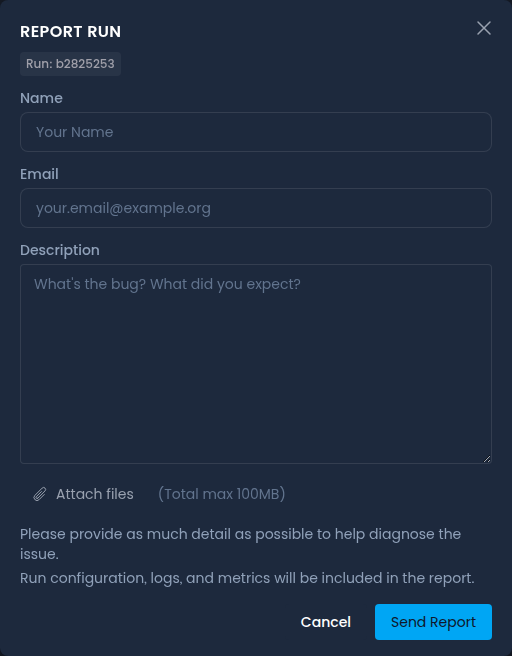
Enter your name and email, describe what happened and what you expected, and attach any files that help, such as screenshots.
-
Click Send Report.
With Error Reporting enabled on the General page of a node's Settings, or errorReporting.allow: true in its config file, the node also reports its own errors automatically. Encryption keys and other secrets in the configs of its running pipelines are removed from these reports.